The average television in a UK household is replaced every seven to eight years. But a well-maintained set from a reputable manufacturer, in a favourable environment, can comfortably last twelve to fifteen years. The difference is rarely about luck or quality of manufacture alone — it's largely about how the set is used and looked after.
Here are ten practical habits that TV repair engineers consistently recommend for extending the working life of your television.
Set Brightness to Auto or Medium
Televisions shipped at maximum brightness to impress in showrooms. In normal home use, reducing brightness to 50–70% significantly extends backlight life — the component most commonly responsible for picture failure — without any perceptible reduction in viewing quality.
Ensure Adequate Ventilation
Heat is the enemy of electronics. Make sure there is at least 4 inches of space around and above your television. Never install a television in a fully enclosed cabinet without ventilation, and avoid placing objects on top of the set. Overheating accelerates capacitor degradation and shortens panel life.
Use a Surge-Protected Power Strip
The UK electrical grid experiences voltage spikes. A quality surge protector — not a basic extension lead, but one rated specifically for surge protection — costs under £30 and protects the power supply board and main board from the spikes that cause sudden, unrepairable failures.
Switch Off at the Wall Overnight
Standby mode still draws power and keeps components lightly energised. Switching the television off at the mains overnight allows it to fully cool and reduces cumulative stress on the power circuitry. This is a particular benefit for older sets and those in warm rooms.
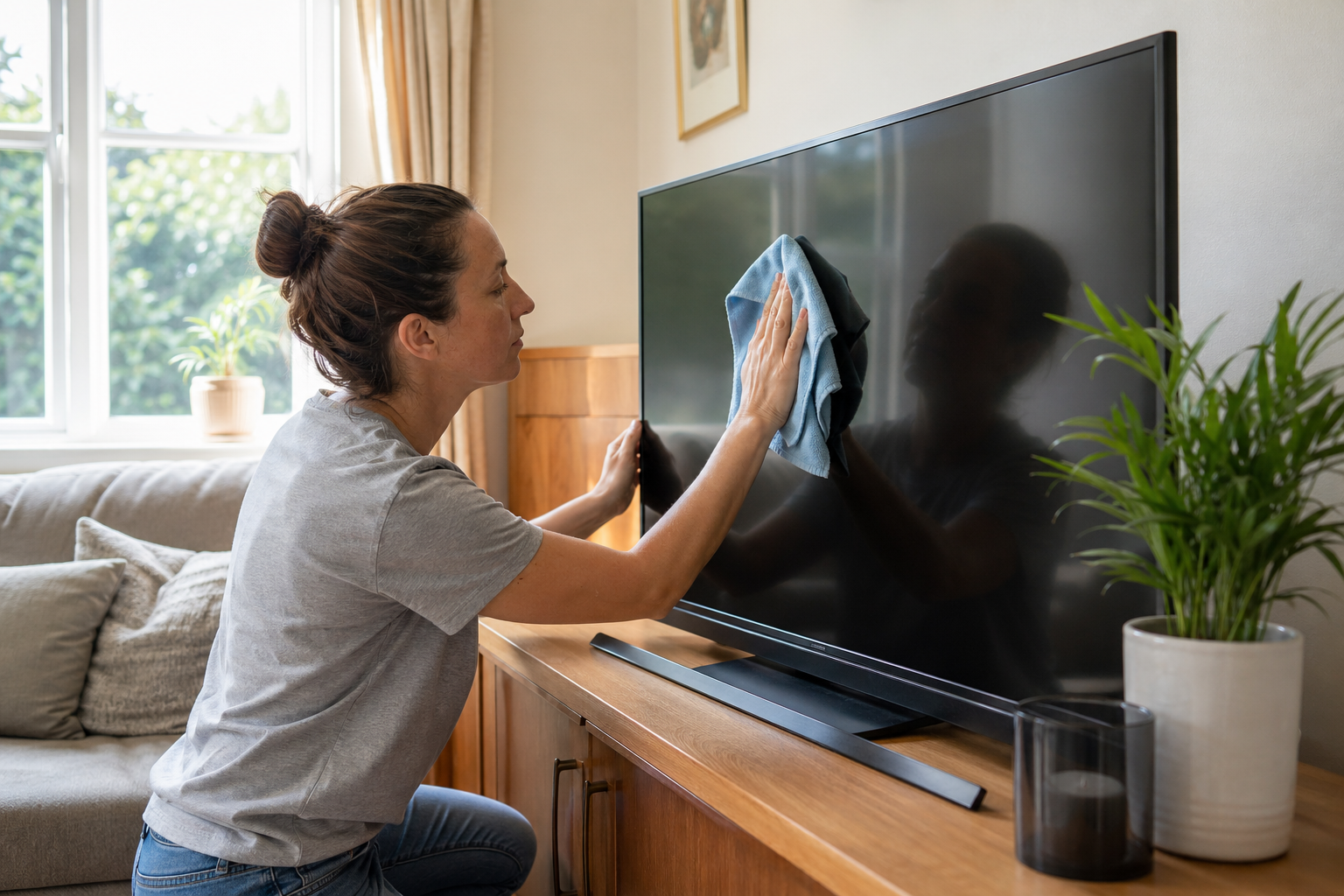
Clean the Screen Correctly
Never use glass cleaner, water or abrasive cloths on a flat-screen panel. The anti-reflective coating can be permanently damaged. Use only a dry or very lightly dampened microfibre cloth. Ports and vents can be cleaned with compressed air — available cheaply from any electronics retailer.
Keep Static Images Moving (OLED)
If you own an OLED television and use it to display news channels, sport scores or any content with static elements for extended periods, enable the pixel-shifting or screen-saver function in the settings. This dramatically reduces the risk of image retention and burn-in, which is the primary failure mode unique to OLED panels.
Keep Software Updated
Smart TV software updates often include stability fixes, improved app compatibility and security patches. A television running outdated firmware is more likely to experience app crashes, freezes and connectivity problems. Enable automatic updates or check manually every few months.
Avoid Mounting in Direct Sunlight
Sustained exposure to direct sunlight degrades LCD panels, causes colour fading and can warp plastic components. Position your television away from south-facing windows or use blackout blinds during peak sunshine hours. This matters more than most households realise.
Don't Ignore Small Faults Early
A faint buzzing from the speaker, occasional HDMI dropout, or a dim patch in one corner are early warning signs — not reasons to panic, but reasons to act. Small faults often have cheap, quick fixes. Ignored, they tend to develop into larger, more expensive problems. Get a diagnosis early.
Register Your TV and Keep the Receipt
Registration with the manufacturer activates any extended warranty options and makes the claims process faster. Keeping the receipt means you have proof of purchase if warranty repairs are needed. Both take two minutes and cost nothing.
"Most of the early failures I see could have been prevented with a surge protector and some breathing room behind the set. The repairs that follow are almost always more expensive than either of those things."
Something Already Gone Wrong?
If your television has developed a fault, a qualified engineer can often repair it quickly and economically. Find a trusted repair service near you using our UK directory.
Find a TV Repair Engineer →